
Key Features
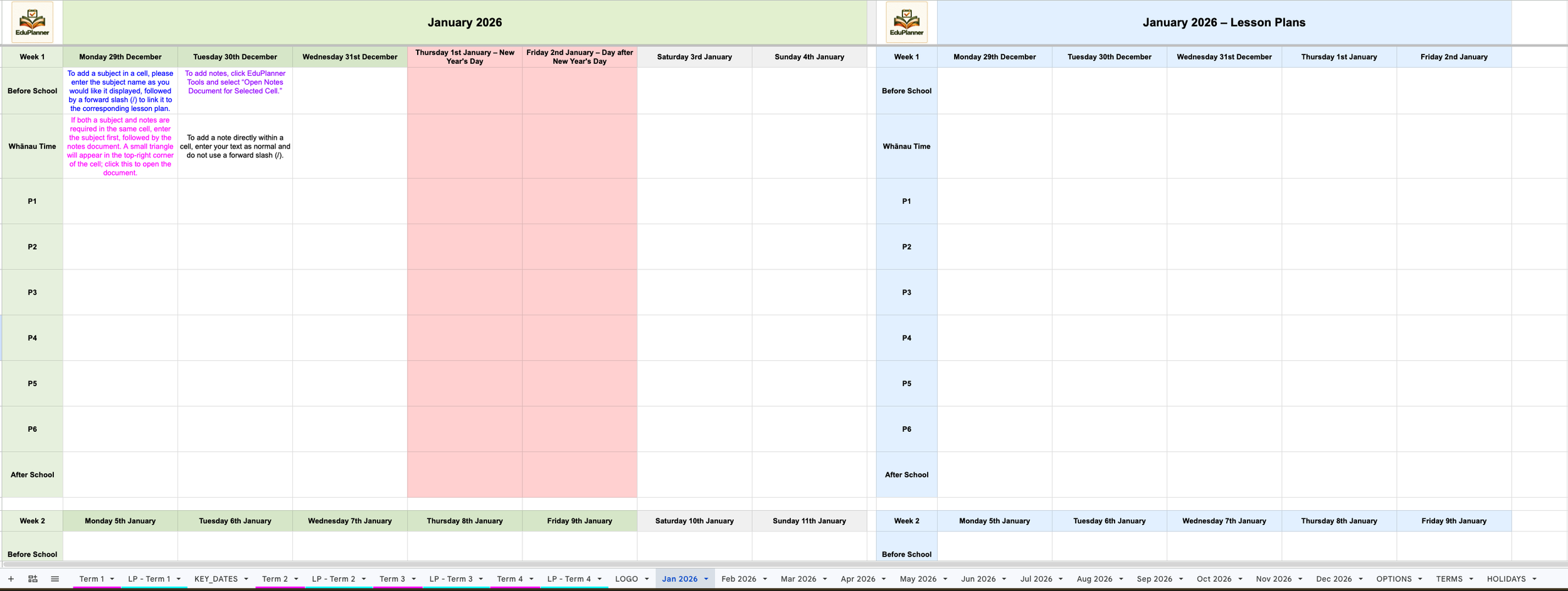
Automatically Build Your School Year
Generate a fully structured yearly or term planner in minutes, ready to personalise for your school.
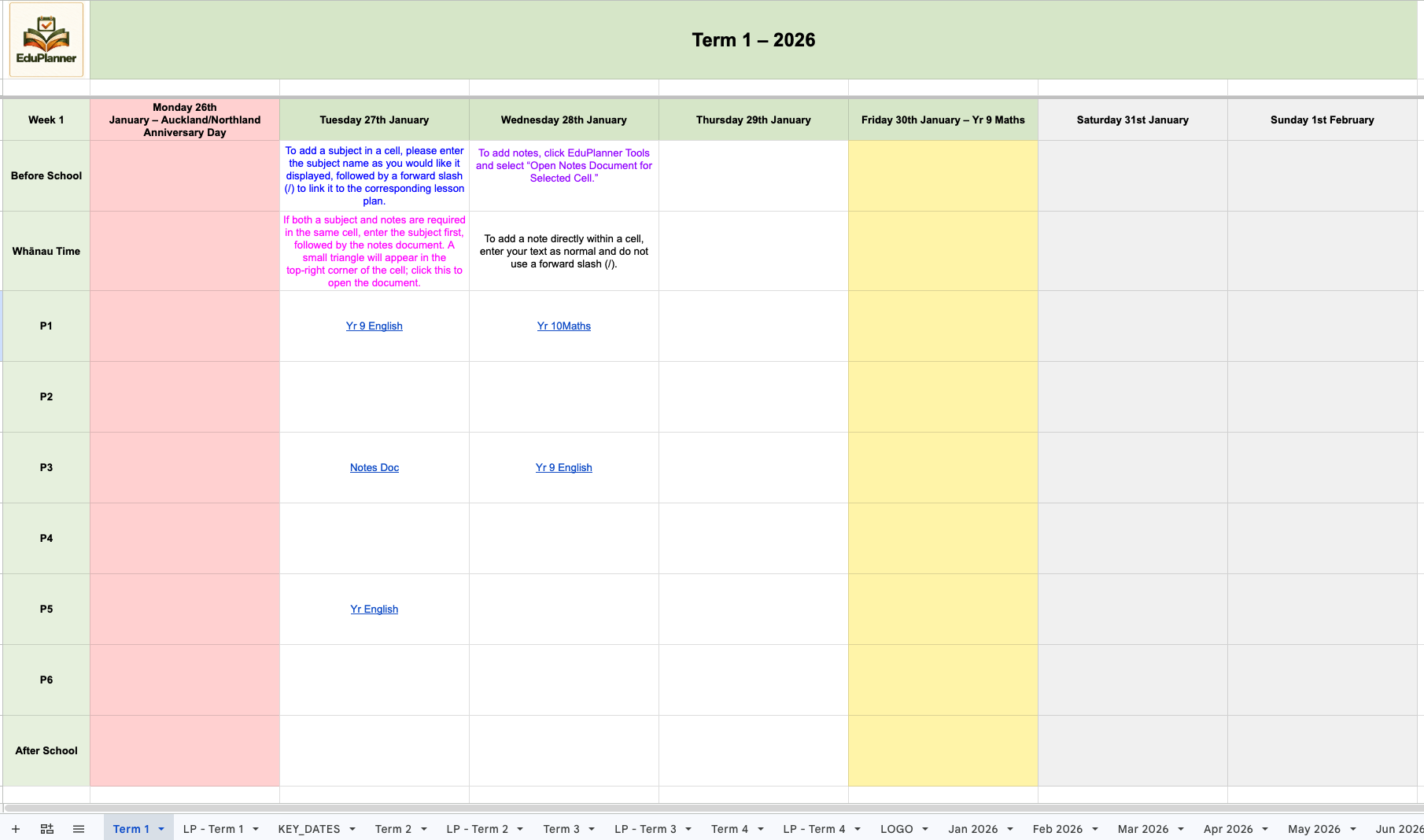
Customise Your Timetable
Rename lesson periods, adjust timetable layouts, and tailor EduPlanner to match your school's schedule.
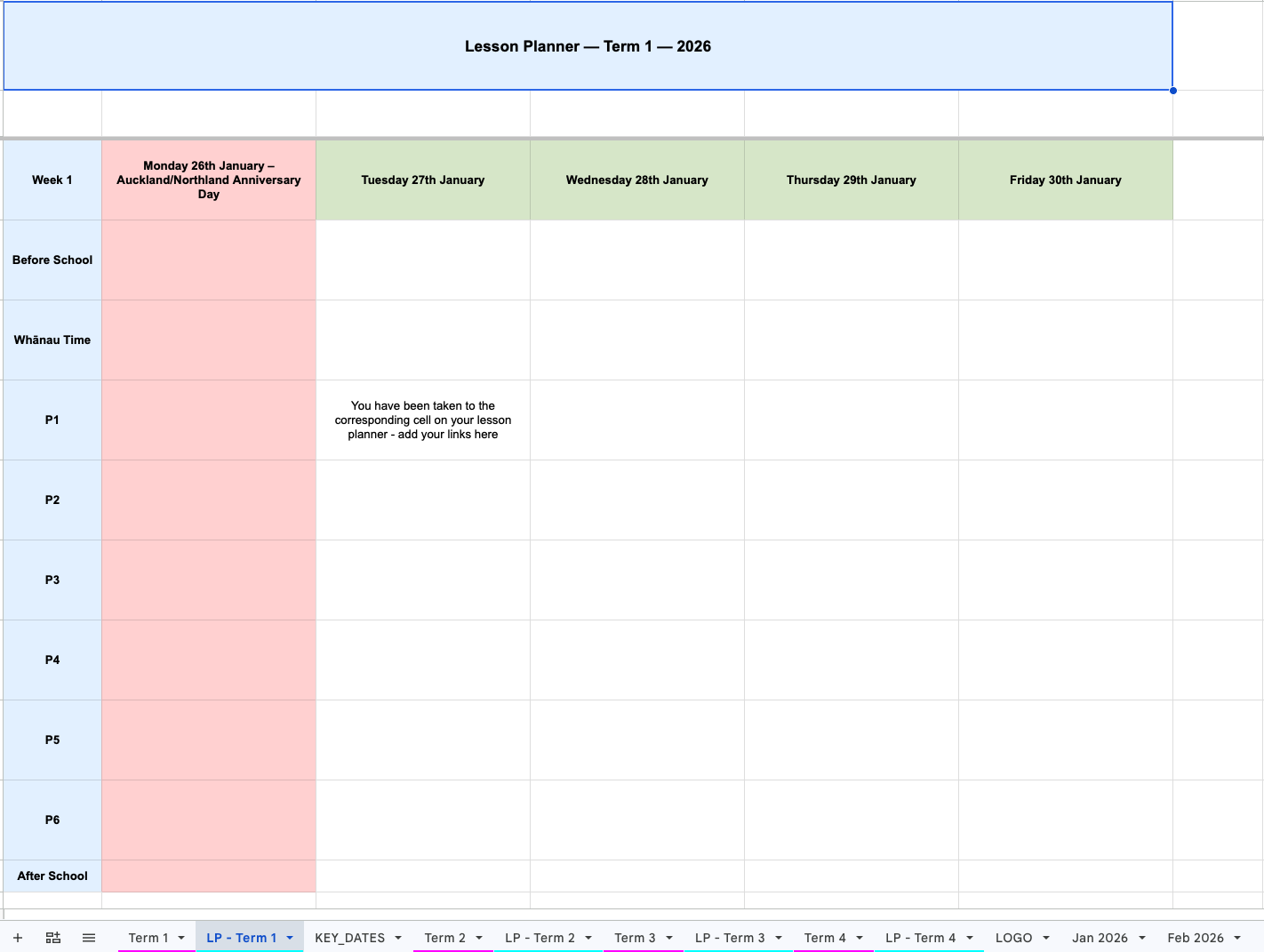
Intelligent Lesson Linking
Simply type your class name followed by /, and EduPlanner automatically links directly to your lesson planning.
Integrated Notes Docs
Create linked Google Docs from any planner cell to record lesson notes, meeting notes, student information, or reflections. Keep lesson links and Notes Docs together in the same cell.
Jump to Any Date
Navigate instantly to any date without scrolling through weeks or terms.
Automatic Colour Coding
Automatically highlight national and regional holidays, term breaks, assessments, exams, and key dates using clear visual colours.
Google Drive Integration
Every Notes Doc and linked document is automatically stored in its own EduPlanner folder within Google Drive.
PDF Export
Export your planner to PDF whenever you need a printable copy or professional record.
Year-on-Year Planning
Rebuild your planner for each new school year while keeping all previous years, planning, and documentation.
Designed for Real Teaching Workflows
EduPlanner is built for teachers who already use Google Sheets and want a faster, more organised way to manage planning across the entire school year. It reduces setup time, keeps lessons structured, and provides a clear visual overview of teaching schedules.
EduPlanner runs directly inside Google Sheets, keeping your planning within the Google Workspace tools you already use.
Designed by Educators, for Educators
EduPlanner was designed by educators who understand the realities of school life. It combines planning, lesson organisation, documentation and school calendars into one connected Google Workspace system, reducing repetitive administration and keeping everything you need in one place.
Ideal For
Classroom teachers
Beginning teachers
Heads of Department / Faculty
Curriculum leaders
SENCO and Inclusive Learning teams
Primary, Intermediate, and Secondary Schools
Ready to Transform Your Planning?
Choose your licence above to get started with EduPlanner and bring your timetable, lesson planning, notes, and key dates together in Google Sheets.